
For coaches
Teach the class. Sesslynx keeps the ledger.
You are paid per session, and every family pays a little differently. Sesslynx keeps one record that you and each family can see, so the end of the month is not a guessing game.
The coach desk
Web · week of Oct 13| Kid | Class | Plan | Balance |
|---|---|---|---|
| Maya | Tennis · Tue | Per session | $90.00 $30.00 pending |
| Leo | Tennis · Tue | 10-pack · 6 left | $0.00 |
| Ivy | Tennis · Thu | Monthly | $160.00 |
| Sam | Tennis · Thu | Per session · sibling | $54.00 $27.00 pending |
On your phone
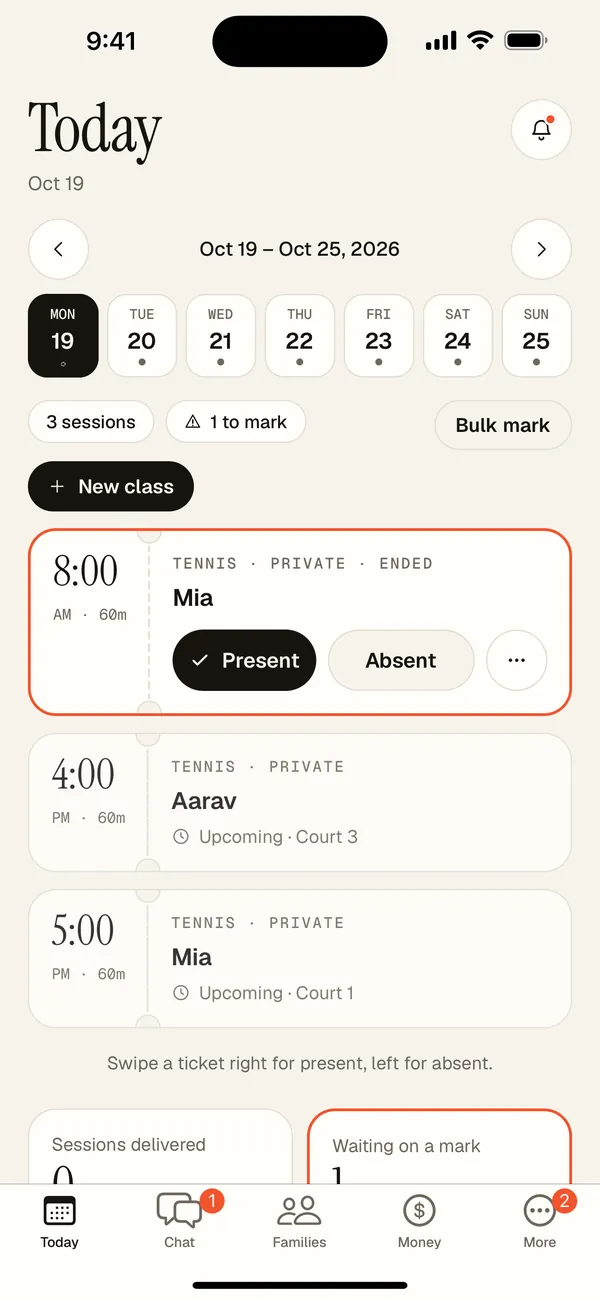
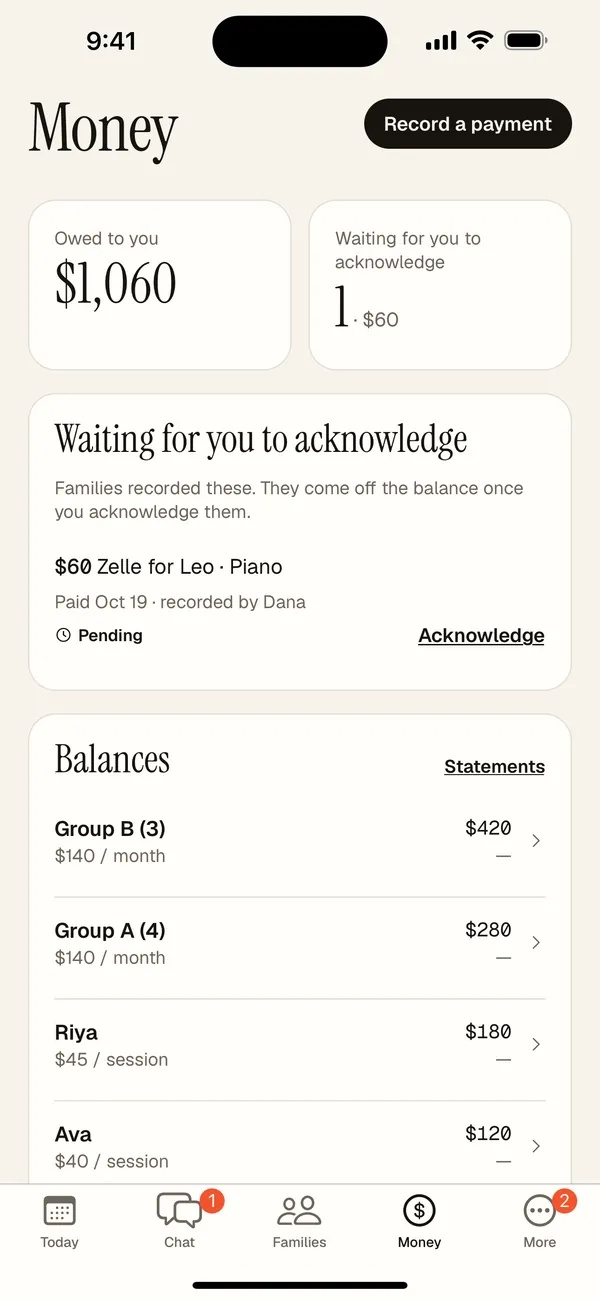
Your day, your money, your classes.
The same desk in your pocket, with layouts that use the whole screen on iPad and foldables.
Getting started
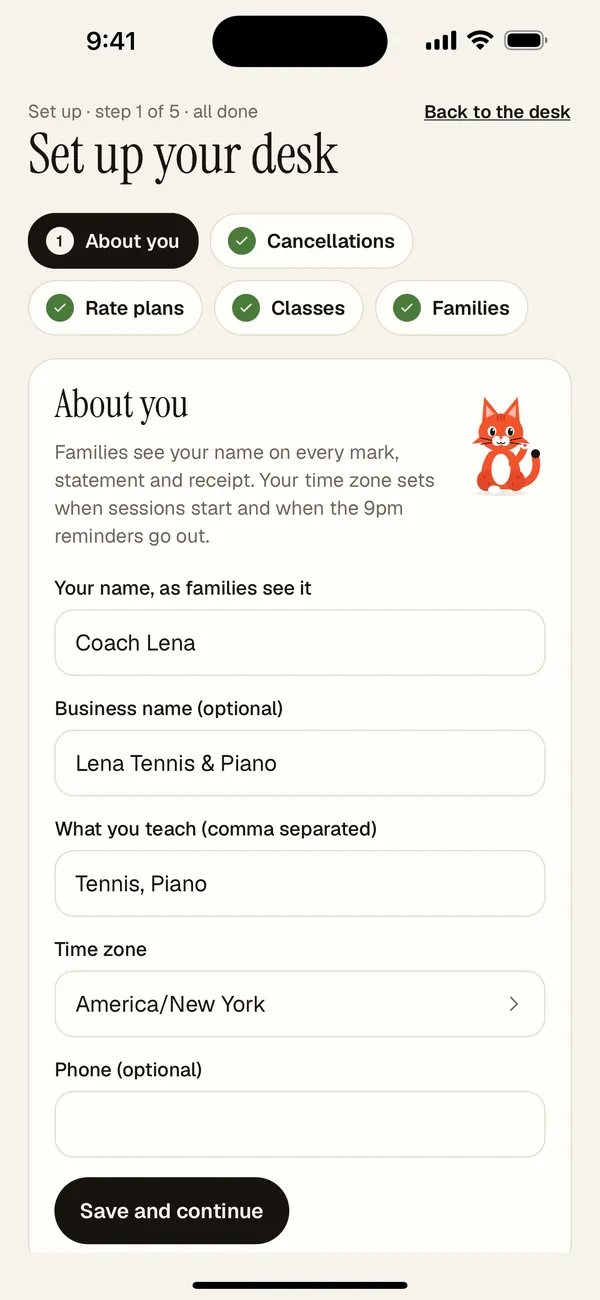
Five steps, in the right order.
Each step unlocks the next, so you never hit a form that needs something you haven't made yet.
- 1
About you
Your name as families see it, what you teach, your time zone.
- 2
Cancellations
Late-cancel window and no-show rules, written down once.
- 3
Rate plans
Per session, packs of lessons, or monthly. Reusable.
- 4
Classes
Private or group, schedule and default plan.
- 5
Families
Add kids and send each family an invite link.
What you get
Less remembering. Fewer awkward talks.
Never caught out
Get a push before each session, at the times you pick. Set it once, or differently for each class.
Mark from the court, the bench, or the car
Under five seconds per session on your phone. Bulk mark a whole class from the web desk.
Every kid on their own plan
Per session, packages with lessons left, monthly flat, sibling and custom discounts.
Your policies, applied evenly
Set your late-cancel and no-show rules once. Coach-cancelled sessions earn a makeup credit.
Payments you can trust
Log Zelle, Venmo, cash, and check. When a parent records one, you acknowledge it before it counts.
Statements without the spreadsheet
Each family gets the same monthly statement you do, with a PDF.
Set up in the right order
A guided setup takes you from your details to cancellation rules, rates, classes and families, without dead ends.
One chat per class
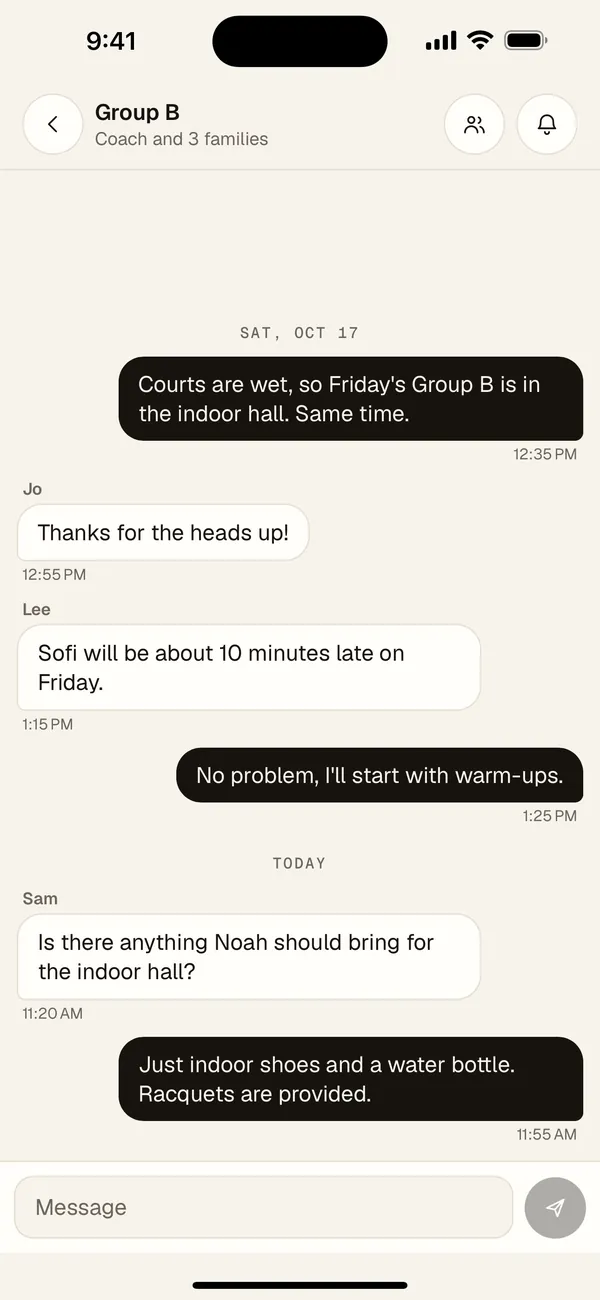
Post a court change once and every family in the class sees it. Families can tell you they're running late without texting you directly.
You moderate
Remove any message in your class chats. Parents can report a message to you, and you get a notification.
Start free
Coach Free covers up to 5 kids. Running a bigger roster? Coach Pro is $11.99/mo.
Class chat
Talk to the whole class, without the group text.
Each class has its own chat with only its families in it. Notifications stay out of your way.
Reading it? No ping.
If the chat is open on your screen, new messages just appear.
Muted chats stay quiet
Mute any class chat from its bell. Unmute whenever you like.
Quick follow-ups don't buzz twice
A second message within 30 seconds arrives quietly.
Tap to open the chat
A notification opens that class's conversation, even from a cold start.
Unread counts you can trust
Each chat shows its unread count, and the app badge adds them up.
Report, or delete
Delete your own message, or report one to the coach. Coaches can remove any message.
Your next class can be your first marked one.
Coaches start free with up to 5 kids. Parents linked to a coach on Sesslynx are always free.
On the web, iPhone, iPad and Android